How to Eliminate Approval Bottlenecks in Large Organizations?
Discover how large organizations can eliminate approval bottlenecks using Microsoft Power Automate and SharePoint. Learn proven workflow automation strategies to accelerate approvals, improve visibility, and increase operational efficiency.
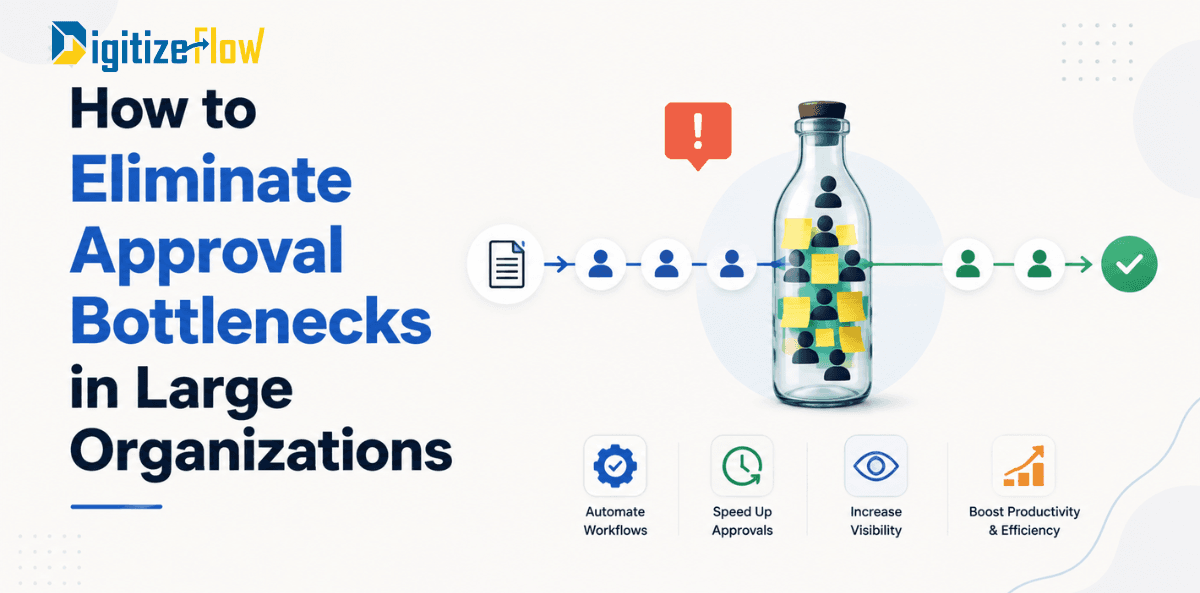
Every growing organization reaches a point where approvals become the biggest obstacle to productivity.
What begins as a simple approval process for purchase requests, HR documents, contracts, invoices, or project changes gradually turns into an endless chain of emails, reminders, missed notifications, and delayed decisions.
One manager is traveling.
Another approver is overloaded with meetings.
A document gets buried inside someone's inbox.
The requester has no visibility into the approval status.
The finance team keeps following up manually.
Eventually, what should have taken a few hours stretches into days or even weeks.
These delays don't just frustrate employees. They increase operational costs, reduce productivity, slow customer response times, and negatively impact the organization's ability to make critical business decisions.
The good news?
Modern workflow automation solutions allow organizations to eliminate approval bottlenecks almost entirely.
In this guide, we'll explain why approval bottlenecks happen, how they affect business performance, and how companies can build intelligent approval workflows using Microsoft Power Automate, SharePoint, and Microsoft 365.
What Are Approval Bottlenecks?
An approval bottleneck occurs when a business process slows down because one or more approval steps prevent work from moving forward.
Instead of information flowing smoothly across departments, approvals become blocked by manual tasks, unavailable decision-makers, or inefficient communication methods.
Common examples include:
Purchase Order approvals
Vendor onboarding
Contract approvals
HR leave requests
Expense reimbursements
Invoice approvals
Budget approvals
Change requests
Procurement approvals
Compliance reviews
Although these processes seem simple individually, organizations processing hundreds or thousands of requests each month quickly experience significant delays.
Why Do Approval Bottlenecks Happen?
Approval delays rarely stem from employee performance alone. More often, they arise from outdated systems and fragmented workflows.
1. Too Many Manual Steps
Many organizations still depend on email threads or paper forms.
Employees manually send documents.
Managers manually review them.
Approvers manually respond.
Operations teams manually track progress.
Each manual action increases the risk of delays.
2. Lack of Visibility
One of the biggest frustrations is not knowing where a request is.
Employees constantly ask:
Who has my request?
Has it been approved?
Is someone reviewing it?
Why is it delayed?
Without real-time tracking, everyone wastes time chasing updates.
3. Sequential Approvals
Many businesses require approvals to happen one person at a time.
If just one approver delays their decision, the entire workflow stops.
This creates a classic bottleneck.
4. Email Dependency
Email was never designed to manage business workflows.
Messages get buried.
Notifications are missed.
Approvals are forgotten.
Attachments become outdated.
Version control disappears.
5. No Escalation Process
What happens if an approver is on vacation?
In many organizations...
Nothing.
The request simply waits.
Without automatic escalation or delegation rules, work comes to a complete halt.
The Hidden Cost of Approval Delays
Approval bottlenecks affect far more than employee satisfaction.
They directly impact business performance.
Organizations commonly experience:
Missed project deadlines
Slower procurement cycles
Increased operational costs
Delayed customer delivery
Compliance risks
Poor employee experience
Reduced productivity
Lower management visibility
Research consistently shows that administrative delays consume thousands of productive hours annually across large enterprises.
Signs Your Organization Has an Approval Bottleneck
You likely have approval bottlenecks if:
Employees repeatedly ask for approval status.
Managers approve requests through email.
Multiple versions of the same document exist.
Approval history cannot be audited.
Processes rely on spreadsheets.
Teams manually send reminders.
Approvals stop whenever someone is absent.
Requests frequently exceed expected turnaround times.
If several of these sound familiar, workflow automation can deliver immediate improvements.
How Workflow Automation Eliminates Approval Bottlenecks
Workflow automation replaces manual approval chains with intelligent digital processes.
Instead of relying on emails, automated workflows route requests instantly to the correct decision-makers based on predefined business rules.
Every action is tracked.
Every approval is logged.
Every stakeholder has visibility.
No manual follow-up is required.
Key Features of an Automated Approval Workflow
A modern approval workflow should include:
Automatic Routing
Requests automatically reach the appropriate approver based on department, project, amount, location, or business unit.
Parallel Approvals
Rather than waiting for one approval before requesting the next, multiple approvers can review simultaneously.
This dramatically reduces cycle time.
Automatic Reminders
If an approver hasn't responded within a defined period, reminders are automatically sent.
No manual follow-up required.
Escalation Rules
If approval deadlines are missed, requests automatically escalate to alternate managers.
Business continuity is maintained.
Real-Time Tracking
Employees can instantly view:
Current approver
Approval history
Pending actions
Processing time
Final status
Transparency eliminates unnecessary emails and follow-ups.
Complete Audit Trail
Every action is recorded automatically.
Organizations maintain full compliance with internal governance and regulatory requirements.
Why Microsoft Power Automate Is Ideal for Approval Automation
Microsoft Power Automate enables organizations to build sophisticated approval workflows without complex software development.
Businesses can automate approvals across:
Microsoft Teams
Outlook
SharePoint
Microsoft Forms
Dynamics 365
Excel
OneDrive
SAP integrations
ERP systems
Third-party applications
Employees continue working within familiar Microsoft 365 applications while approvals happen automatically behind the scenes.
Using SharePoint as the Approval Hub
SharePoint serves as the central repository for business documents and requests.
Instead of sending files through email, every document remains securely stored in one location.
Approvers always access the latest version.
Permissions remain controlled.
Version history is preserved.
Search becomes significantly easier.
This eliminates confusion caused by multiple document copies.
Real-World Example: Purchase Request Automation
Imagine a company processing 500 purchase requests every month.
Previously:
Employees submitted requests by email.
Procurement reviewed manually.
Finance approved manually.
Department heads approved manually.
Operations tracked requests using spreadsheets.
Average approval time:
7–10 days
After implementing Power Automate:
Employees submit a digital form.
Approval routing happens automatically.
Notifications are sent instantly.
Escalations occur automatically.
Dashboards show real-time status.
Reports are generated automatically.
Average approval time:
Less than 24 hours
The result?
Higher productivity.
Lower administrative workload.
Better employee experience.
Greater operational visibility.
Best Practices for Designing Approval Workflows
Successful automation isn't about digitizing inefficient processes.
It's about simplifying them.
Follow these best practices:
Reduce unnecessary approval layers.
Define clear approval rules.
Use parallel approvals where possible.
Set approval deadlines.
Enable automatic reminders.
Create escalation paths.
Build executive dashboards.
Continuously analyze workflow performance.
Automation works best when paired with process optimization.
Measuring Success After Automation
Organizations should monitor KPIs such as:
Average approval time
Number of pending requests
Approval completion rate
Escalation frequency
Employee satisfaction
Processing cost
SLA compliance
Workflow efficiency
Continuous monitoring ensures long-term improvements.
Why Large Organizations Choose DigitizeFlow
At DigitizeFlow, we help enterprises replace slow, manual approval processes with intelligent, automated workflows built on Microsoft technologies.
Our solutions combine:
Microsoft Power Automate
SharePoint Online
Microsoft Teams
Microsoft 365
Power Apps
Power BI
AI-powered process automation
We design approval workflows tailored to your organization's structure, governance policies, and operational requirements—ensuring faster decisions, improved compliance, and complete visibility across every stage of the approval process.
Whether you're automating procurement, HR, finance, legal, or operations, our experts help you streamline approvals without disrupting your existing systems.
Final Thoughts
Approval bottlenecks are more than an inconvenience they're a hidden cost that slows growth, frustrates employees, and reduces operational agility.
The most successful organizations don't solve this problem by hiring more administrators or sending more reminder emails. They solve it by redesigning their processes and automating approvals with intelligent workflows.
By leveraging Microsoft Power Automate, SharePoint, and the broader Microsoft 365 ecosystem, businesses can reduce approval times from days to hours, gain full visibility into every request, ensure compliance through complete audit trails, and empower employees to focus on high-value work instead of repetitive administrative tasks.
If your organization still relies on manual approvals, now is the time to modernize. Eliminating approval bottlenecks isn't just about speeding up one process it's about creating a more agile, productive, and scalable enterprise ready for future growth.