End-to-End Guide to Digital Transformation Using Microsoft 365
Digital transformation is a business decision made possible by technology. Read our end-to-end guide on structuring your enterprise transformation using Microsoft 365.
Digital transformation is not a technology project
It is a business decision that technology makes possible
Digital transformation has become one of the most used and least understood phrases in enterprise strategy. Organizations announce transformation initiatives, deploy new software, and issue press releases. Then, two years later, the same manual processes persist, the same data silos remain, and the same bottlenecks slow down operations that were supposed to have been modernized.
The gap between transformation ambition and transformation reality is not a technology problem. It is a strategy problem. The organizations that successfully transform their operations using Microsoft 365 do so because they understand what they are trying to change and why, before they touch a single configuration screen.
This guide provides the strategic framework for approaching digital transformation through Microsoft 365 with the clarity and sequencing that makes it succeed rather than stall.
What Digital Transformation Actually Means in an Enterprise Context
Before building a transformation roadmap, it is worth being precise about what the term means in practice.
Digital transformation using Microsoft 365 does not mean deploying Teams for video calls or migrating email to Exchange Online. Those are infrastructure upgrades. They are valuable, but they are not transformation.
True digital transformation means changing how work gets done at a structural level. It means replacing manual approval chains with automated workflows.
It means giving employees access to accurate information in seconds rather than minutes or days. It means creating visibility into operational performance that previously required hours of manual reporting. It means enabling people to collaborate on the same document in real time rather than managing version chaos across email attachments.
The test of digital transformation is not whether new technology has been deployed. It is whether the business operates differently because of it. New software running on top of old processes is modernization of the toolset, not transformation of the organization.
Why Microsoft 365 Is the Right Platform for Enterprise Transformation
Microsoft 365 is uniquely positioned as a transformation platform for enterprise organizations for three reasons that go beyond the quality of any individual application.
It Is Already Where Your People Work
For the majority of enterprises, Microsoft 365 is the existing productivity environment. Employees use Outlook for email, Teams for communication, and Office applications for document creation. Building a transformation strategy on Microsoft 365 means working with the platform people already know rather than asking them to learn an entirely new ecosystem. The adoption barrier is lower. The integration friction is minimal.
The organizational disruption of the transition is significantly reduced compared to implementing a new platform from scratch.
It Is a Platform, Not a Collection of Applications
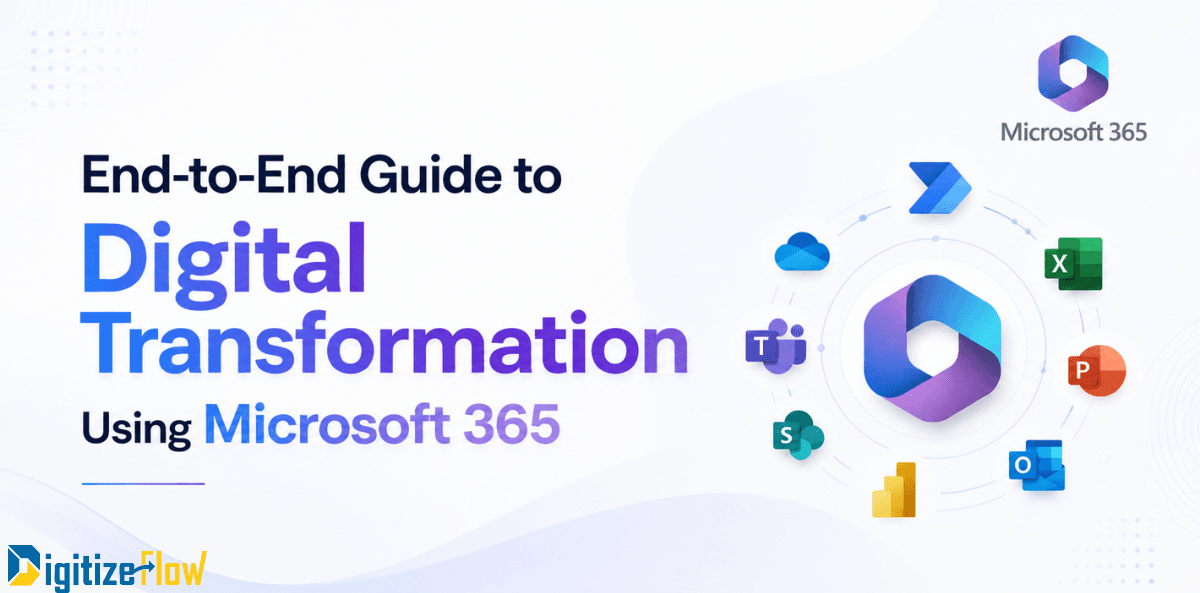
The strategic advantage of Microsoft 365 is that its components are designed to work together as an integrated system. SharePoint stores and manages documents.
Power Automate builds the workflows that move those documents through approval processes. Power Apps creates the forms and portals that employees use to submit requests and access information. Power BI turns the data generated by all of these processes into live operational dashboards. Teams surfaces all of this in the collaboration environment where decisions are made.
It Scales With the Organization
A Microsoft 365 transformation that begins with document management and basic workflow automation can expand into AI-powered content processing, Copilot-assisted knowledge work, and sophisticated business intelligence without changing the underlying platform.
The investment in information architecture, governance, and integration made in the early phases compounds in value as more capabilities are added.
The Four Pillars of Microsoft 365 Transformation
A successful Microsoft 365 digital transformation rests on four pillars, each of which needs to be addressed deliberately rather than assumed to emerge from technology deployment alone.
Pillar 1: Information Architecture and Document Governance
The foundation of any Microsoft 365 transformation is how information is organized, tagged, and managed in SharePoint. Without a well-designed information architecture, search does not work reliably, permissions cannot be governed consistently, and automation cannot operate on content it cannot correctly identify.
Organizations that invest in proper metadata schemas, content types, and governance frameworks before deploying other capabilities create a compounding foundation. Every additional capability built on a well-structured SharePoint environment performs better and is easier to maintain than the same capability built on an unstructured one.
Pillar 2: Process Automation
The highest-visibility transformation outcomes in most organizations come from automating processes that currently depend on manual coordination. Purchase order approvals, contract review workflows, employee onboarding sequences, compliance documentation, and IT service requests are among the most common processes that organizations automate using Power Automate in the first phase of transformation.
The value is immediate and measurable. Approval cycle times that previously averaged three to five business days frequently drop to four to eight hours after automation. Error rates decline because routing logic is enforced by the system rather than remembered by individuals. Audit trails generate automatically rather than requiring manual documentation.
Pillar 3: Data Visibility and Operational Intelligence
Most organizations have more data than they can see. Information about process performance, document volumes, approval patterns, and operational bottlenecks exists in the systems running on Microsoft 365. It simply has not been connected to a reporting layer that makes it visible to decision-makers.
Power BI, integrated with SharePoint lists, Dataverse tables, and Power Automate flow history, creates live operational dashboards that give managers real-time visibility into process performance without manual reporting. The shift from periodic, manually assembled reports to live operational dashboards changes how quickly organizations can identify and respond to problems.
Pillar 4: Collaboration That Matches How Work Actually Happens
Microsoft Teams, when implemented with deliberate design rather than organic sprawl, becomes the operational hub where document collaboration, workflow decisions, automated notifications, and team communication converge. Approval requests surface as actionable cards inside Teams. SharePoint documents are collaboratively edited without version conflicts. Power BI reports are embedded in team channels where they are visible at the moment of discussion.
The Sequencing That Makes Transformation Stick
The most common mistake in Microsoft 365 transformation is trying to change everything simultaneously. Organizations deploy Teams, migrate to SharePoint, launch Power Automate workflows, and roll out Power BI dashboards in the same window. The result is a change management burden that exceeds the organization's absorption capacity, leading to partial adoption across all capabilities rather than full adoption of any.
The sequencing that consistently produces better outcomes prioritizes depth over breadth.
1. Establish the foundation first. Invest in SharePoint information architecture, governance, and a core set of document management capabilities before building workflows or dashboards on top. The quality of everything that follows depends on this foundation.
2. Automate the highest-friction processes. Identify the two or three workflows that consume the most manual coordination effort and generate the most organizational frustration. Automate those first. The visible impact on daily operations creates organizational confidence that accelerates adoption of subsequent phases.
3. Build visibility into what you have automated. Once processes are running on Power Automate, connect Power BI to the flow data. Showing leadership a live dashboard of approval cycle times, process volumes, and exception rates creates a data-driven feedback loop that drives continuous improvement.
4. Expand the surface area of transformation. With the foundation established, governance proven, and early wins documented, expand the transformation scope to additional departments, additional processes, and additional capabilities including Copilot integration and AI-powered document processing.
Organizations that sequence transformation deliberately and measure outcomes at each phase accumulate compounding evidence of value. That evidence is what sustains organizational commitment through the more complex phases that follow the early wins.
The Human Side of Microsoft 365 Transformation
Technology deployment is the visible part of digital transformation. The harder and more important work is organizational: helping people understand why the change is happening, what it means for how they work, and what support they have for building new capabilities.
The Microsoft 365 transformation initiatives that fail to deliver lasting value almost always have adequate technology and inadequate change management. Leaders who approved the investment move on to the next priority. Training is delivered once at launch and never reinforced. Feedback from employees who are struggling with the new environment is not collected or acted on. Within months, the gravitational pull of familiar habits brings people back to the ways of working the transformation was supposed to replace.
The organizations that sustain transformation build structured adoption programs that last beyond go-live, identify champions in each department who model and support new ways of working, and create feedback mechanisms that surface friction points early enough to address them. These are not optional components of a transformation initiative. They are the components that determine whether the technology investment delivers its intended return.
How Digitize Flow Approaches Microsoft 365 Transformation
Digitize Flow works with enterprises at every stage of the Microsoft 365 transformation journey, from organizations beginning their first SharePoint deployment to those looking to deepen the value of existing Microsoft 365 investments through automation, analytics, and AI integration.
Our approach begins with the business outcome, not the technology feature. Before any configuration begins, we work with client leadership to define what transformation success looks like in measurable terms: approval cycle time reduction, document retrieval speed, compliance audit preparation time, employee satisfaction with information access. The technology roadmap is then designed to achieve those outcomes in a sequence that generates early visible value and builds organizational confidence for subsequent phases.
We invest equally in the technical and human dimensions of transformation because we have seen consistently that the organizations that treat adoption and change management as afterthoughts get a fraction of the return that organizations treating them as core deliverables achieve.