Automating HR Processes Using Power Platform
Are manual HR tasks slowing down your business? Discover how automating HR processes with Microsoft Power Platform can boost efficiency, secure data, and improve the employee experience.
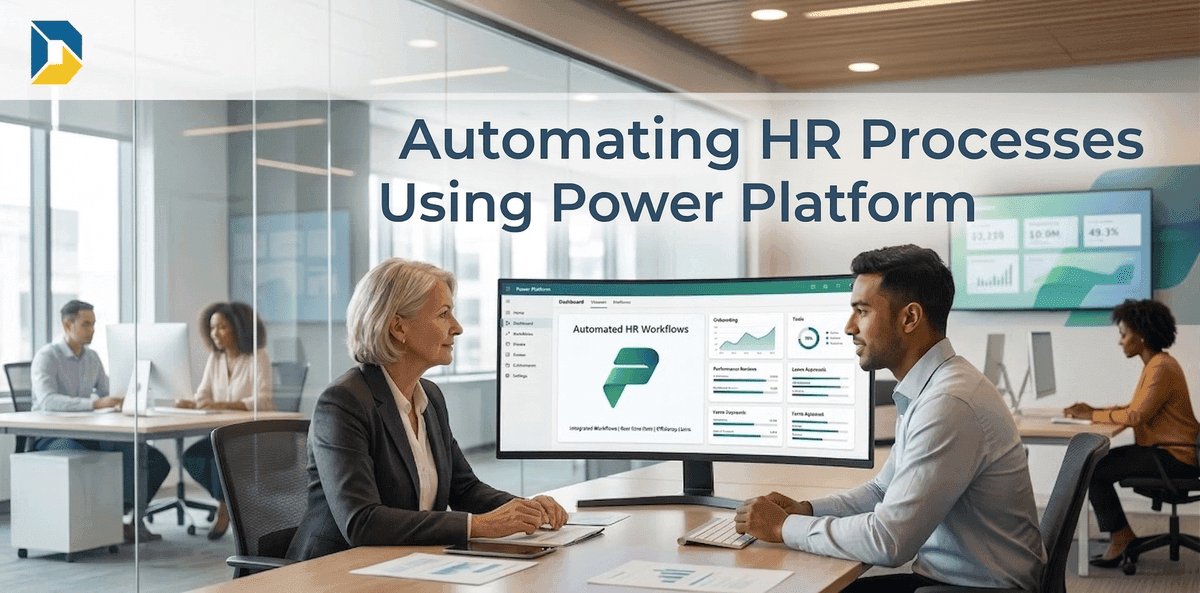
Automating HR Processes Using Power Platform: The Ultimate Guide to a Digital Workplace
In modern enterprises, the Human Resources (HR) department is the backbone of organizational success. However, many HR teams find themselves bogged down by endless administrative tasks, manual data entry, and fragmented legacy systems.
The solution? Microsoft Power Platform.
By leveraging Power Automate, Power Apps, and Power BI, businesses can completely transform their HR operations. This guide explores how automating HR processes reduces administrative overhead, secures data, and creates a seamless experience for your workforce.
The Challenge: Why Traditional HR Workflows are Failing
Before diving into the solution, it is crucial to understand the bottlenecks plaguing traditional HR departments. Relying on outdated methods creates several critical issues:
Information Silos: Employee data is scattered across spreadsheets and isolated software, preventing a unified view.
Delayed Approvals: Manual or email-based chains lead to frustrating delays in hiring and performance reviews.
Compliance Risks: Handling sensitive employee information manually increases the risk of data breaches.
Poor Employee Experience: A slow onboarding process leaves new hires feeling unequipped on their first day.
How Microsoft Power Platform Transforms HR
The Microsoft Power Platform is a suite of low-code/no-code tools designed to build custom solutions and automate complex workflows. Here is how it supercharges your HR department:
1. Power Automate: The Engine of HR Efficiency
Power Automate completely eliminates repetitive manual tasks. It connects your core systems (like SharePoint and Outlook) to create invisible, highly efficient background workflows.
Route complex document approvals directly to the correct line managers.
Send instant Microsoft Teams notifications upon contract signatures.
Schedule and track automated reminders for annual performance reviews.
2. Power Apps: Custom Portals for Employee Self-Service
Instead of buying expensive, rigid HR software, Power Apps allows you to build custom, mobile-friendly applications.
Build an "Employee Hub" app for staff to update details or submit expenses via mobile.
Create intuitive, branded interfaces that connect seamlessly to secure backend databases.
3. Power BI: Data-Driven HR Decisions
Power BI turns raw HR data into actionable, visual insights. HR directors can instantly monitor key performance indicators (KPIs).
Track employee turnover rates and identify vital retention trends.
Monitor the average time-to-hire across different departments.
Analyze employee satisfaction surveys and workplace morale in real-time.
Real-World HR Automation: The Recruitment Cycle Workflow
To truly understand the enterprise value of Power Platform, let’s look at a heavy, complex process: The complete Recruitment Cycle. Automating this cycle ensures zero bottlenecks from the initial planning phase to the candidate's first day.
Here is how a fully automated recruitment workflow operates:
Manpower Planning: Department heads submit staffing requests via a custom Power App, triggering an approval flow to Finance and HR based on the annual budget.
Job Offer & Screening: Once approved, integration with external job boards captures applications directly into a secure SharePoint list for easy tracking.
Interview Scheduling: Power Automate reads calendar availability and automatically sends Microsoft Teams interview invites to both candidates and technical leads.
The Onboarding Process: Upon hiring, automated workflows instantly provision the user's IT credentials via Active Directory (AD), allocate training modules, and prepare hardware.
By implementing this end-to-end automated cycle, organizations eliminate the traditional friction between HR, Finance, and IT departments. This seamless integration drastically reduces the overall time-to-hire and ensures that HR professionals can pivot from manual administrative tasks to strategic talent acquisition. Ultimately, it provides a world-class, digital-first experience that reflects the company's enterprise maturity and secures top-tier talent from day one.
Built-In Artificial Intelligence (AI) for HR
One of the most significant advantages of the Power Platform is the native integration of Microsoft’s AI Builder. You can leverage enterprise AI without needing a dedicated data scientist.
Smart Resume Screening: Train an AI model to read incoming PDF resumes, extract key information (skills, experience), and populate a SharePoint list automatically.
Sentiment Analysis: Automatically analyze employee feedback or exit interview transcripts to gauge overall morale and identify workplace improvements.
Predictive Insights: Anticipate hiring needs or potential employee turnover based on historical data trends.
Enterprise-Grade Security and Compliance
HR departments handle the most sensitive data in any organization. Security and privacy are absolutely non-negotiable.
Because the Power Platform is built securely on Microsoft Azure, it naturally inherits world-class, enterprise-grade security protocols:
Data Loss Prevention (DLP): IT administrators can enforce strict policies ensuring confidential HR data cannot be exported outside the organization.
Access Control: Security is tightly managed via Azure Active Directory, ensuring only authorized personnel can view specific records.
Regulatory Compliance: Maintain full compliance with local and international data protection laws through built-in governance tools.
Frequently Asked Questions (FAQs)
1. Do we need to replace our current HR software to use Power Platform?
Not necessarily. Power Automate has hundreds of premium connectors that allow it to integrate smoothly with existing HRIS platforms (like Workday or SAP). It acts as a bridge, automating the gaps between your current systems without needing a complete overhaul.
2. How long does it take to deploy an automated HR workflow?
Because of its low-code nature, basic workflows (like leave requests or document approvals) can be designed and deployed in a matter of days or weeks, rather than the months typically required for traditional software development.
3. Is the Power Platform secure enough for confidential HR data?
Absolutely. Built on Microsoft Azure, the infrastructure provides state-of-the-art encryption, strictly enforced Data Loss Prevention (DLP) policies, and role-based access control via Active Directory, making it one of the most secure environments for enterprise data.
Why Choose Digitize Flow for Your HR Automation?
Transitioning to a digital HR workplace requires more than just software licenses; it requires strategic vision and deep technical expertise.
At Digitize Flow, we are specialized experts in SharePoint, Power Automate, and the complete Microsoft Power Platform. We partner with you to analyze bottlenecks, design custom digital workflows, and seamlessly integrate your systems from core HR applications to complex Active Directory identity management.
Contact Digitize Flow today, and let us build the customized, automated HR solution your enterprise deserves.