The Future of Enterprise Workflows with AI and Microsoft Copilot
AI is moving from a simple productivity tool to an active participant in your business processes. Discover the four essential layers for an AI-ready organization and how to successfully deploy Microsoft Copilot agents to optimize your workflows.
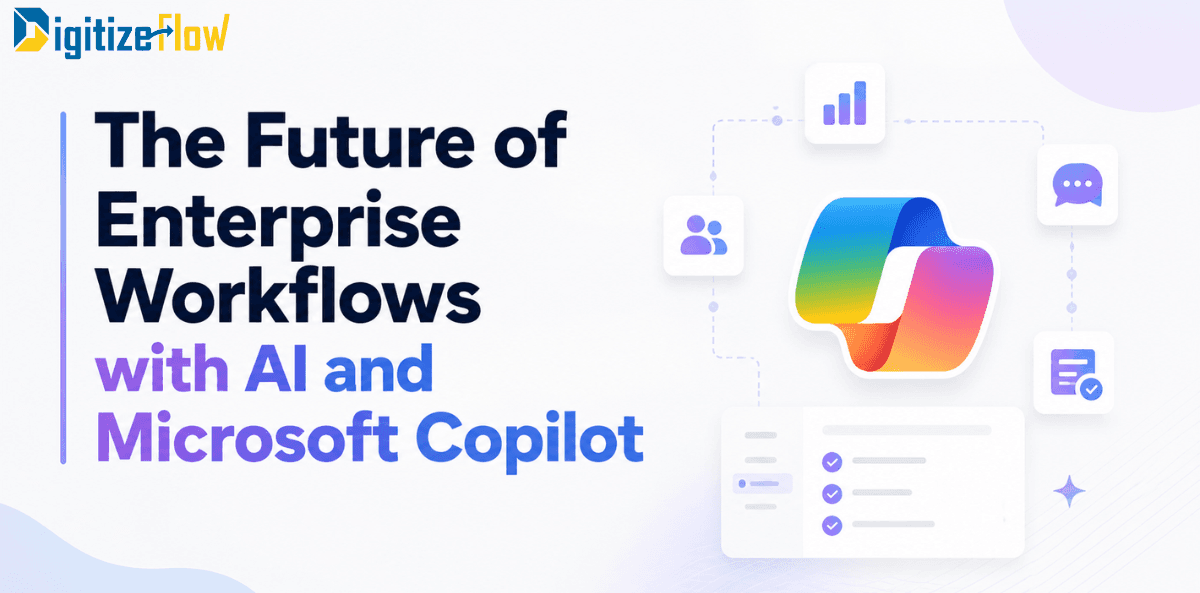
Enterprise workflows have always been about moving work from one person to the next without losing context. Approvals, reviews, handovers, escalations. For two decades, the tooling around that movement improved steadily: forms replaced paper, portals replaced shared drives, and low-code platforms replaced custom development. What did not change is the assumption underneath all of it. A workflow was a fixed path, and a human had to sit at every meaningful step.
That assumption is what AI is dismantling.
In 2026, the interesting question is no longer whether Microsoft Copilot can summarize a document or draft an email. It is whether your approval cycles, correspondence handling, contract reviews, and reporting routines can run with fewer manual touchpoints and better decisions at each one. This article looks at what has actually shifted, where the value shows up first, and what has to be in place before any of it works.
The shift from assistant to participant
The first wave of Copilot deployments treated AI as a productivity add-on. Users opened Word, asked for a draft, and moved on. Useful, but bounded by individual habit.
The second wave, which is where most serious enterprises now sit, treats AI as a participant in the process itself. Agents are the mechanism.
An agent is a scoped, governed piece of AI that can be triggered by an event, read from approved data sources, take multi step action, and hand back to a human only when judgment is genuinely required.
The scale of that shift is visible in the numbers. Active agents across the Microsoft 365 ecosystem grew fifteen times year over year, and eighteen times inside large enterprises. Microsoft's own framing is that AI has moved from helping people work faster to helping organizations optimize their workflows. That distinction matters for anyone planning a roadmap. Faster typing is a personal benefit. Optimized workflows are an operational one, and only the second shows up in a business case.
Why classic workflow automation hits a ceiling
Traditional automation is excellent at deterministic work. If the condition is met, route to the next stage. If the amount exceeds a threshold, escalate.
Power Automate and SharePoint have handled that reliably for years, and nothing about AI makes those patterns obsolete.
The ceiling appears wherever a step requires interpretation. Consider what actually consumes time in a document heavy organization:
Reading a fifty page submittal to decide whether it matches the specification
Comparing a supplier response against three previous versions of the same contract
Deciding which department a piece of incoming correspondence belongs to
Reconciling a monthly report against source records scattered across systems
Summarizing a long email thread so a manager can approve in thirty seconds instead of ten minutes
None of those are routing problems. They are comprehension problems, and comprehension is exactly what a rules engine cannot do. This is the gap Copilot fills inside an existing process, not around it.
Four layers of an AI ready workflow
Organizations that get real results tend to build in the same order. Skipping a layer is the most common reason pilots stall.
1. Content and structure. AI grounded in disorganized content produces confident nonsense. Document libraries need consistent metadata, retention rules, and a content type model that reflects how the business actually classifies things. If your ECM foundation is weak, fix that before licensing anything.
2. Permissions and sensitivity. Copilot respects existing permissions, which sounds reassuring until you remember how many enterprise sites carry inherited access that nobody has audited since 2019. Sensitivity labels, DLP policies, and a permission review are prerequisites, not follow up items.
3. Process instrumentation. An agent can only participate in a workflow that exists as data. If approvals happen over email and status lives in someone's spreadsheet, there is nothing for AI to attach to. Bringing the process onto SharePoint or Power Platform first is what makes the AI layer possible.
4. Agents and orchestration. Only at this point does it make sense to build agents that classify, summarize, draft, validate, and escalate. Built well, they slot into steps that already have owners, SLAs, and audit trails.
Where the value shows up first
Value is uneven across departments, and picking the wrong starting point wastes the political capital you need for the second phase. Based on what consistently produces measurable results:
Finance and reporting. Variance explanations, forecast commentary, and reconciliation summaries are high volume, high repetition, and heavily template driven. The output is reviewed anyway, so the risk profile is comfortable.
Correspondence and case handling.
Incoming letters, tenders, and official requests need classification, routing, deadline extraction, and acknowledgment drafting. Every one of those steps is a strong AI candidate, and the process is usually well defined enough to instrument quickly.
Contract and document review. Clause comparison against a standard template, missing attachment detection, and change summaries between versions. Legal teams stay in control of decisions while losing hours of mechanical reading.
Project delivery and design approvals. Submittal completeness checks, comment consolidation across reviewers, and status narratives assembled from live task data. In engineering and real estate environments this is often the single highest value target.
IT and internal service desks. Ticket triage, knowledge article retrieval, and first line responses grounded in your own documentation rather than generic web content.
HR operations. Policy questions, onboarding checklists, and letter generation, all of which are repetitive and well documented.
Notice what these have in common. Each involves large volumes of internal text, an existing review step, and a clear definition of correct. Those three conditions are a better selection filter than any vendor use case list.
Governance stopped being optional
The uncomfortable truth about agent adoption is that it scales faster than most governance models. Once business users can describe an agent in plain language and publish it, you get proliferation: dozens of overlapping agents, unclear ownership, no measurement, and no retirement path.
Microsoft has responded by making the governance layer explicit. Agents built in Agent Builder can now be submitted to an organizational section of the Agent Store only after admin review and approval, so validated agents can be shared at scale while quality controls stay in place. There are also policy controlled watermarks for AI generated video and audio content, aimed at transparency and preventing misattribution.
Treat that as the pattern, not the exception. A workable internal model needs four things:
A named business owner for every agent, not just a technical one
A defined data scope, with sensitivity labels enforced rather than assumed
Usage and quality telemetry reviewed on a schedule
A retirement decision, because most agents should eventually be replaced or removed
Microsoft frames the same point around standardizing how agents are shared and reused, and measuring usage, quality, and cost so decisions about expanding or retiring agents are evidence based. Without that, agents stay side projects.
A realistic first ninety days
Ambitious programs fail on sequencing more often than on technology. A pattern that holds up in practice:
Weeks one to two. Pick two processes using the selection filter above. Document the current state honestly, including the informal shortcuts people actually use.
Weeks three to four. Run the permission and content audit. Expect to find oversharing. Fix it before anything is grounded on that content.
Weeks five to eight. Build the workflow layer properly on SharePoint and Power Platform, with clean metadata and real status data. Resist adding AI at this stage.
Weeks nine to eleven. Introduce agents at two or three specific steps. Keep humans as approvers. Log every intervention where the AI output needed correction.
Week twelve. Review the intervention log, not the enthusiasm. That log tells you whether to expand, adjust the grounding, or step back.
The discipline in that sequence is the point. Adoption research is consistent that structured rollouts sustain usage while unstructured ones plateau early and rarely recover.
Measuring impact without fooling yourself
Seat counts and prompt volumes are vanity metrics. They tell you people are curious, not that work improved. Better measures are process specific:
Cycle time from submission to approval, before and after
Number of manual touchpoints per case
Rework rate, meaning items sent back for missing information
Percentage of AI outputs accepted without material edit
Backlog age for the process you targeted
There is also a cultural variable that most business cases ignore. Microsoft's 2026 research across twenty thousand workers found that organizational factors such as culture, manager support, and talent practices account for more than twice the AI impact of individual effort, and that eighty six percent of users treat AI output as a starting point rather than a final answer. Two readings follow from that. First, the tooling alone will not deliver the outcome. Second, design your workflows around review rather than replacement, because that is how people actually use these systems.
What the next two years look like
Three directions are already visible and worth planning for.
Orchestration across agents. Instead of one agent per task, a coordinating layer will pass work between specialized agents, with humans supervising the chain rather than each link.
Deeper grounding in enterprise context. Copilot's value is proportional to how well it understands your organization's own signals: who owns what, what happened in the last review cycle, which documents supersede which. Investment in that context layer will separate strong deployments from mediocre ones.
Compliance becoming a feature, not a constraint. Audit trails of AI participation in decisions will become a normal requirement in regulated sectors, particularly around procurement and approvals. Organizations that build logging in from the start will move faster later.
Where to start
The organizations seeing genuine returns in 2026 are not the ones that bought the most licenses.
They are the ones that cleaned up their content, instrumented their processes, and then applied AI to specific steps with clear owners and measurable outcomes.
At Digitize Flow, that is the sequence we work through with clients across Microsoft 365, SharePoint, and Power Platform: assess the content and permission foundation, build the workflow layer properly, then introduce Copilot and agents where they measurably change the numbers.
If you are trying to decide which of your processes should go first, that conversation is the right place to begin.