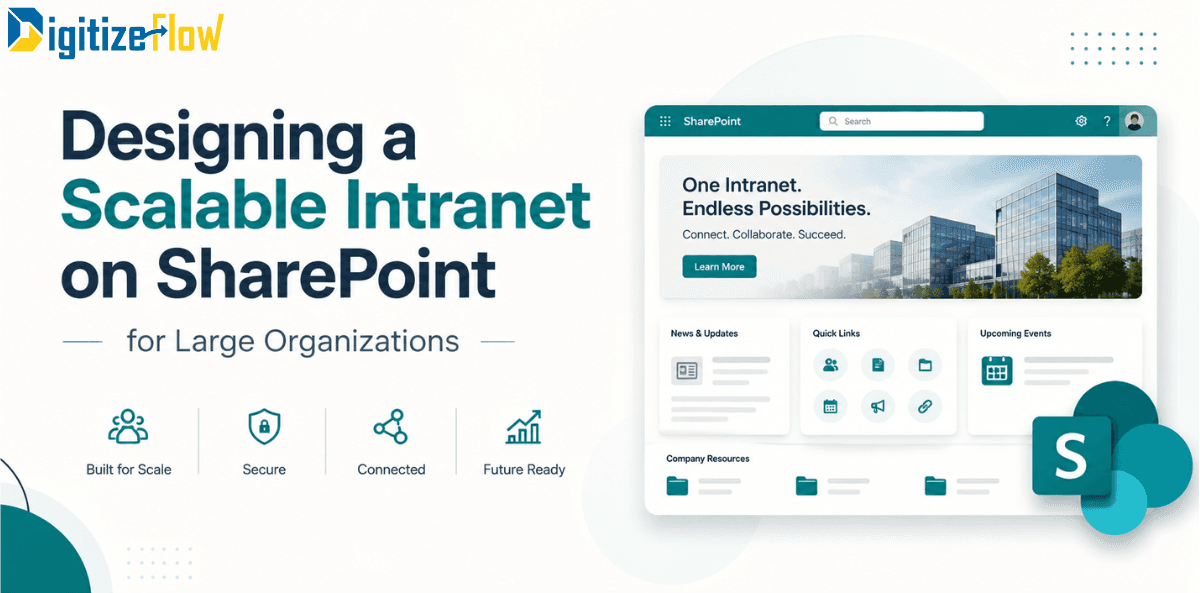
Designing a Scalable Intranet on SharePoint for Large Organizations
Intranets fail at an enterprise scale for structural and editorial reasons, almost never for infrastructural ones. This guide outlines five architectural principles to build a flat, targeted, and AI-ready SharePoint intranet that maintains trust, findability, and clear ownership over time.
There is a particular kind of intranet that works beautifully for two years and then stops working almost overnight.
It launches with twelve sites, a clean home page and a communications team that personally knows every content author. At around the two hundredth site, something shifts. Search starts returning four versions of the travel policy. Nobody can say which one is current. Departments build their own landing pages because they cannot find where their content is supposed to live. The home page slowly turns into a wall of links that nobody edits because nobody is quite sure who owns it.
Nothing technical broke. SharePoint did not run out of capacity, slow down or fail. The platform scaled perfectly well. The intranet did not.
That distinction is the whole subject of this article. At enterprise scale, an intranet fails for structural and editorial reasons, almost never for infrastructural ones, and the design decisions that determine which way it goes are made in the first few weeks.
What actually breaks at scale
Three things, in a predictable order.
Findability goes first. Not because search is bad, but because there are now six documents that could plausibly be the answer and no signal about which one is authoritative. Search is only as good as the structure and the metadata underneath it.
Ownership goes second. The person who created the HR section moved to another role. The page is still there, still wrong, and technically still owned by an account that is disabled. Multiply that by four hundred pages.
Trust goes last, and it is the one you cannot buy back. Once people have been misled twice by the intranet, they stop treating it as the source of truth and start asking colleagues instead. Every subsequent improvement then has to overcome a learned habit rather than an information gap.
Notice that none of the three is a technology problem. Which is why buying a better platform never fixes them.
Principle one, build flat and connect with hubs
The single most consequential architectural decision is to stop nesting.
The instinct inherited from older intranets is to mirror the organizational chart in a site hierarchy: a company site, with divisions beneath it, departments beneath those, teams beneath those. It feels orderly, and it is a trap. Organizations reorganize. Hierarchies do not move gracefully, permissions inherit in ways nobody intended, and the structure encodes a snapshot of the company that stops being true within eighteen months.
Build flat instead. Every department, project and function gets its own site at the same level. Then use hub sites to associate them into families that share navigation, branding and a scoped search experience. A site can be re-associated to a different hub in minutes when the organization changes, without moving content, breaking links or rebuilding permissions.
The practical rule: your site structure should reflect how people look for information, not how the company is drawn on an organization chart. Those two things are related, but they are not the same, and only one of them changes every time there is a restructure.
Principle two, treat navigation as a promise
Global navigation is not a directory. It is a promise that the twenty or so things most people need are reachable in one click.
Large organizations consistently get this wrong in the same way: every department lobbies for a top-level entry, the navigation grows to fifty items across four levels, and the result is technically comprehensive and practically useless. A menu that contains everything communicates nothing about what matters.
Decide the top level from evidence rather than from politics. Look at what people actually search for, what the service desk gets asked repeatedly, and what the first-week experience of a new joiner requires. Those three sources will give you your top eight to twelve destinations, and they will not match what department heads would have chosen.
Everything else remains perfectly reachable through hub navigation, search and targeted content. It simply does not occupy the most valuable real estate in the organization.
Principle three, decide metadata once, centrally
Metadata is what turns a large content estate from a pile into a system, and it only works if the vocabulary is shared.
Agree a small set of managed terms at tenant level before the first wave of sites: document type, department, region, audience, status. Five well-governed term sets applied consistently will do more for findability than fifty columns invented site by site. The failure mode is always the same, which is every team creating its own choice column with its own spelling of the same concept, after which no filter, no rollup and no cross-site view ever works properly again.
Two rules keep this alive. Terms are created centrally and requested, not invented locally. And every term set has a named owner who reviews it, because vocabularies rot as fast as content does.
Principle four, target the audience or drown everyone
At a thousand employees, an untargeted intranet is a broadcast channel where ninety percent of what each person sees is irrelevant to them. People learn to ignore it, which then means they also miss the ten percent that mattered.
Audience targeting should be designed in from the start, not retrofitted after the first complaint. News targeted by department, region or role. Navigation links that appear only for the groups they apply to. Dashboard content assembled for the frontline worker on a phone rather than the office worker on a laptop.
This is also the point where multi-region organizations need to decide whether one intranet entry point serves everyone or whether different populations need different front doors. That capability exists and is worth using deliberately: multiple home sites with audience targeting and a priority order are now managed directly in the SharePoint admin centre, following a move from the Microsoft 365 admin centre in 2026 that consolidates the whole model under SharePoint.
Principle five, every page has an owner and an expiry
This is the principle that determines whether your intranet still works in year three, and it is the one that gets cut from scope most often.
Two attributes on every significant page: who owns it, and when it must next be reviewed. Both visible. Both enforced by a workflow that emails the owner before the review date and escalates to the site owner if the date passes.
Add a defined path for what happens when an owner leaves, as part of the offboarding process rather than as an occasional cleanup. And decide in advance what you do with content that fails review: archive it, do not leave it in place with a stale banner. A page marked "may be out of date" damages trust roughly as much as a page that is simply wrong.
None of this is technically difficult. All of it requires someone to own the rule, which brings us to governance.
In 2026, your architecture is an answer engine
Everything above was good practice five years ago. This year it became considerably more urgent, for a reason worth stating plainly.
Copilot answers questions using the content that exists and that the person asking is allowed to see. That changes the consequence of a messy intranet in a fundamental way. A duplicated, outdated or badly permissioned document used to sit quietly in a library where only a determined searcher would find it. Now it is a candidate source for a confident answer delivered to anyone who asks a related question.
Two implications follow.
Content hygiene is now an accuracy requirement, not a tidiness preference. Duplicate policies, superseded procedures and abandoned drafts are no longer inert. Archiving them is the single highest-value cleanup activity available to most organizations right now.
Permissions are content strategy. Over-sharing used to be a security issue. It is now also a quality issue, because anything a person can technically access is eligible to inform what they are told. Before making an intranet more prominent, audit broadly shared links and site permissions.
There is an upside to the same shift. Well-structured content with consistent metadata performs dramatically better as grounding material, and structured sources can now be used directly: a SharePoint list can be used as a knowledge source for an agent, so the leave policy table or the office directory becomes something employees can simply ask about. The organizations that invested in clean information architecture are the ones now getting disproportionate value from AI, without having built anything new.
The platform layer, briefly
Three things worth knowing for planning purposes.
The intranet entry point inside Teams, previously called Viva Connections, is now simply the SharePoint app, with general availability completed in mid-2026. The underlying technology and your existing branding are unchanged, but the mental model is cleaner: a SharePoint home site powers the experience, and Teams is one of its surfaces. If your tenant has no home site configured, that is the first thing to fix.
Home sites themselves were simplified this year, with an easier setup path and additional web parts for resources and announcements, which removes some of the custom development that earlier intranets needed for basic layouts.
Brand assets are now centralized, with fonts and imagery flowing through to SharePoint and the Teams experience from one place. This matters more than it sounds at scale, because brand consistency across four hundred sites is otherwise enforced by nagging.
The governance model, in four decisions
Governance documents rarely get read. Four decisions do most of the work.
Who can create a site, and how. Self-service with no guardrails produces sprawl within a year. The answer is a provisioning process: a request form, automatic creation from an approved template with the right metadata, permissions and lifecycle settings already applied.
What the templates are. Three or four site templates covering the real patterns, department, project, community and policy, so that new sites start consistent instead of being made consistent later.
Who owns the top level. One team owns the home site, global navigation and the shared term store. Not a committee. Departments own their own sites within the standards.
What happens to inactive sites. Define inactivity, automate the detection, and give owners a window to justify keeping the site before it is archived. Without this rule, the estate only grows.
How to sequence the build
Discovery first, and make it evidence-based rather than opinion-based. Search logs, service desk tickets, and observation of how people currently find things. Two to three weeks.
Then architecture on paper: the site inventory, the hub structure, the term sets, the navigation top level, the audience segments. Test the structure with real users by asking them where they would look for specific things, before anything is built.
Then a pilot with two or three departments, in production, with real content and real users. Migrate content selectively, never wholesale. Bulk migration is how a new intranet inherits the previous one's problems on day one.
Then roll out in waves, with each wave reusing the templates and patterns from the last, and with the governance rules operating from the first wave rather than being introduced later.
Launch is not the end of the project. Measure what people search for and fail to find, which pages go stale, and which parts of the navigation nobody uses. An intranet is a product with a lifecycle, and the ones that stay useful are the ones somebody keeps tending.
Digitize Flow designs and builds SharePoint intranets, document management systems and automated workflows on Microsoft 365 for large organizations across the Middle East.
Book an intranet assessment and we will review your current structure, permissions and content ownership, and give you an architecture and rollout plan sized to your organization.